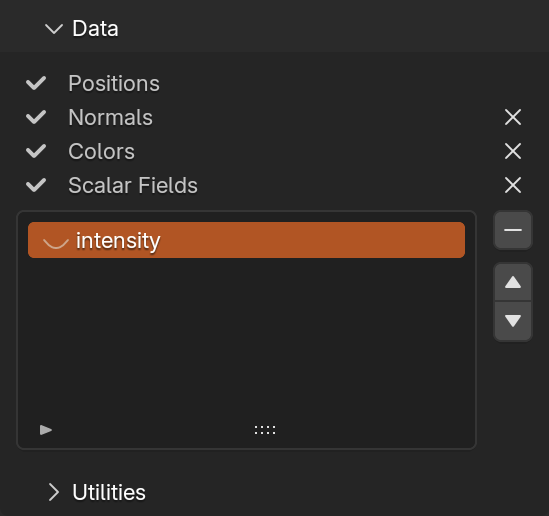
Data
Contains overview of data loaded from source file.  next to data name indicates availablity.
To remove Normals, Colors and all ( buttons) or individual
 Scalar Fields (select scalar from list and click  ).
).  and
and  moves selected scalar field up or down in list. This order is kept when file is exported if file format supports it.
Clicking  icon next to scalar field name will enable Display > Scalar Field (
 ).
).
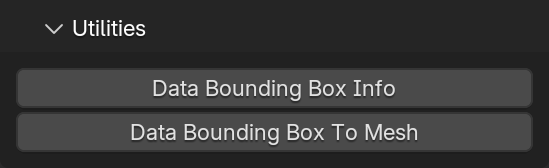
Utilities
Data Bounding Box Info: Compute and show data bounding box values in popup, copy to clipboard as Python code on confirmationData Bounding Box To Mesh: Make mesh from data bounding box (mesh will be cuboid made from edges and will be transformed as point container with origin in points center)